Configuration
Get the URL and API Key
You can either enter your URL and API key manually or download the settings config file from your phpvms profile. To download the config file, visit your VA and go to your profile:
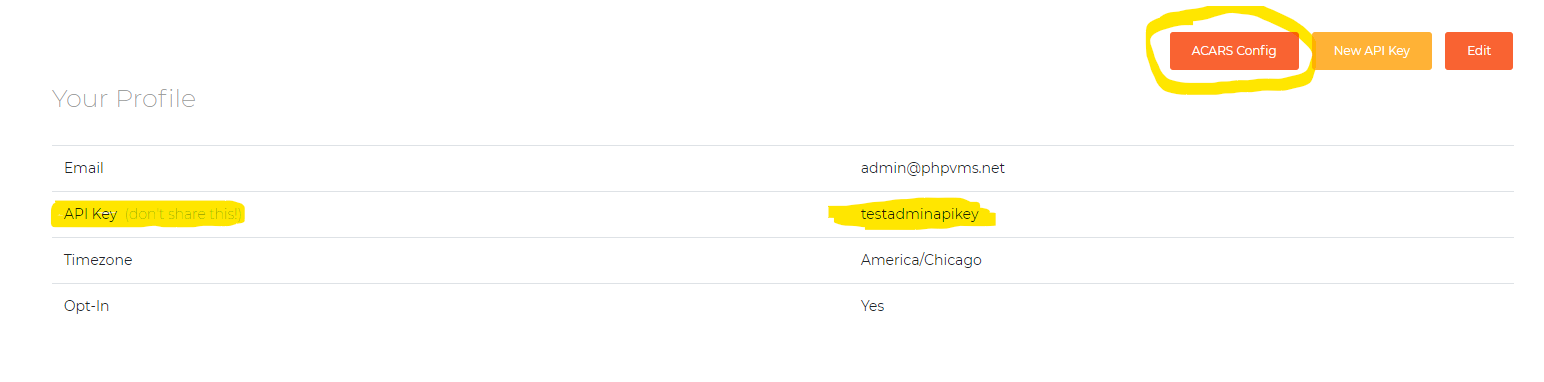
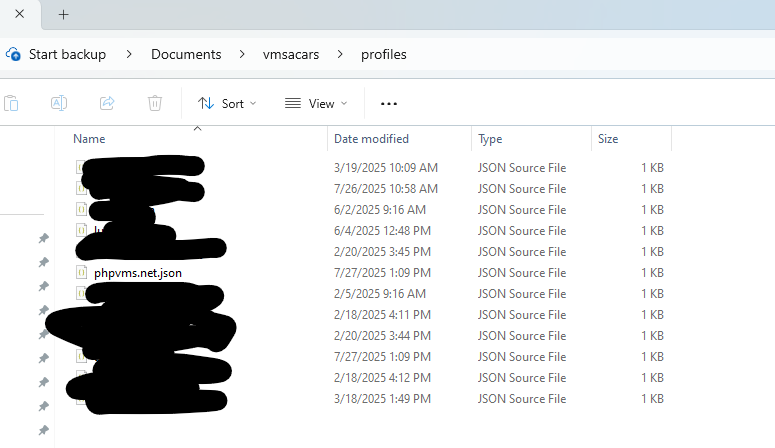
And place it a folder called Documents\vmsacars\profiles:
Client Settings
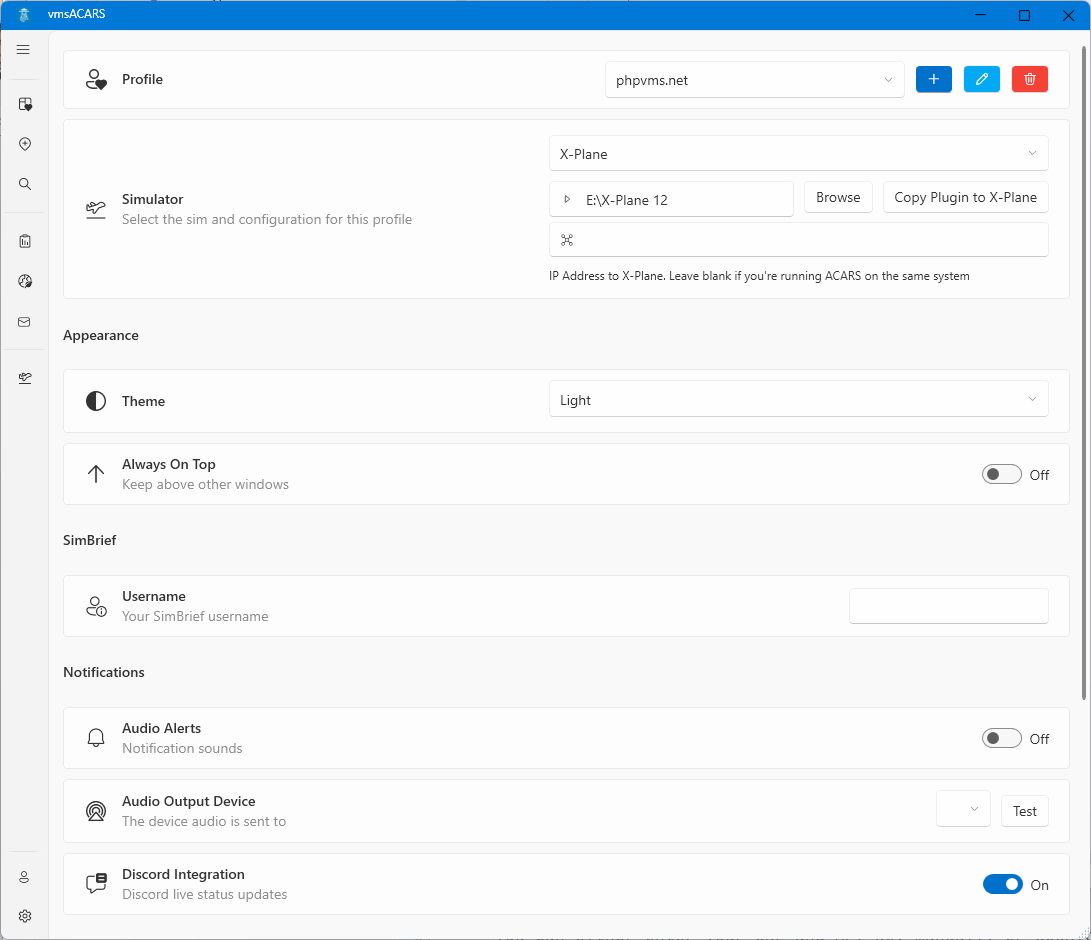
After downloading the latest ACARS version, on startup, you'll be brought to the configuration/settings page:
Sim Selection
After entering your URL and API key, select the simulator, and then select the path to the simulator's root folder (for Fs9/FsX/Prepar3d or X-Plane)
FSX/Prepar3d requires the MakeRwys.exe file, which can be downloaded from the
FSUIPC Page. It needs to be
placed in the same directory as FSX/Prepar3d, and it will create the required
files needed to scan.
Mac/Linux Configuration
To run ACARS with X-Plane on the Mac or Linux, you have to run Windows in a VM. On the Mac, I use VMWare Fusion, which is free for personal use. The procedure below will be similar for Parallels or Virtual Box, which is roughly:
- Add the X-Plane folder as a shared folder/mount to the Windows VM
- Copy the
AcarsConnectplugin to theResources\pluginfolder (see Install) - Set the IP address in ACARS to the IP of the host
Then click "Open In Guest", and you can follow the above instructions for then installing the plugin. Then, in ACARS, properly set the IP to your Mac machine.
Then you can launch/run ACARS as usual.